Submit a review please
If the plugin helped you, let others know about your experience. Thank you!
A tiny plugin with a big effect on how Elementor feels
It makes Elementor clearer, faster, and less frustrating to work in by adding smarter panel feedback, better Navigator context, and quality of life fixes that have a real impact
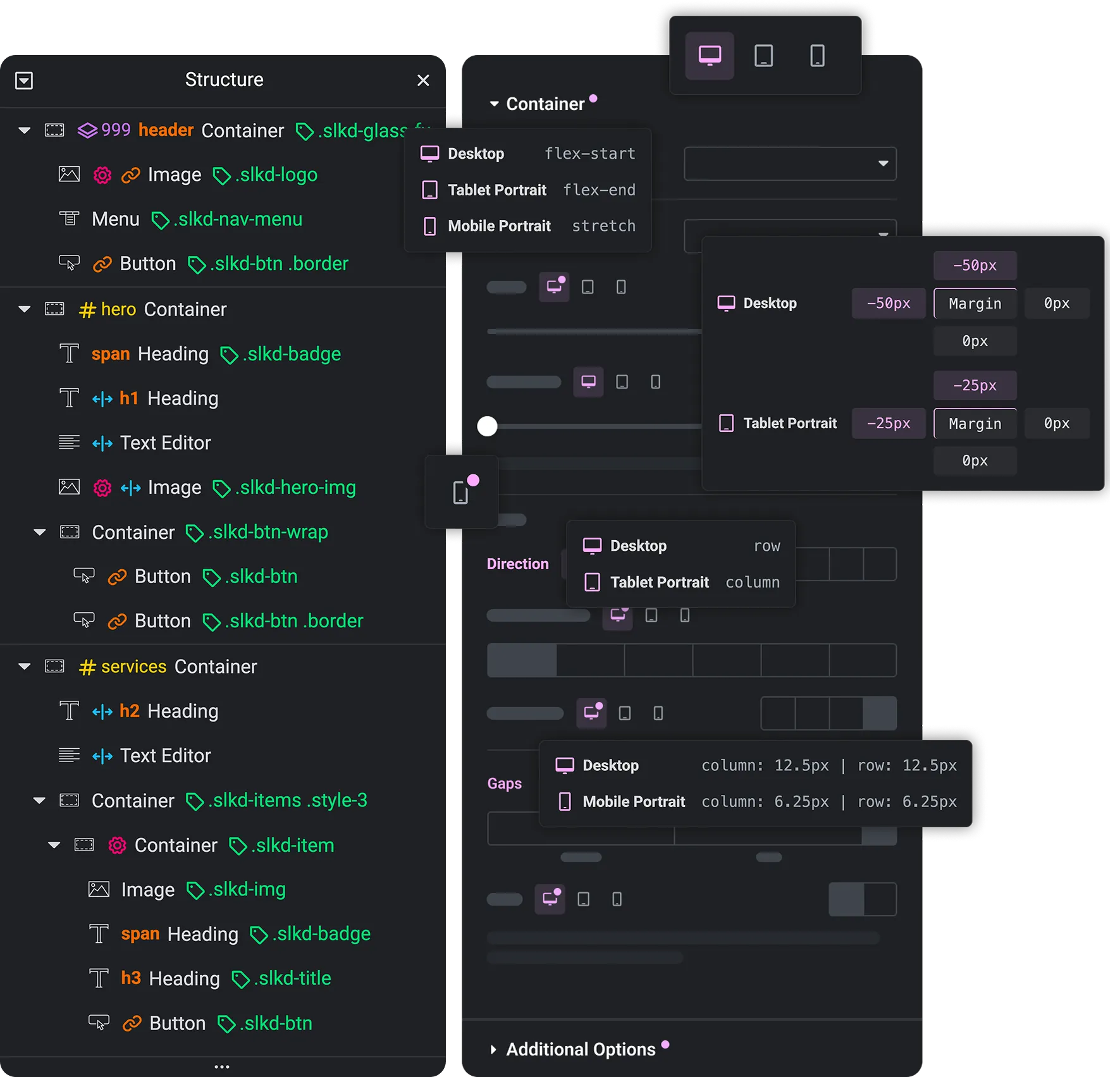
Easier to scan, easier to trust, and faster to use
Fewer clicks, fewer mistakes, native feel.
Instead of vague layers and easy-to-miss controls, you get clearer Navigator metadata and smarter panel feedback while you work: IDs, classes, tags, links, z-index, attributes, overflow, custom width indicators, responsive, non-responsive values, and sections highlights, rich tooltips, and more to come, all updating live inside Elementor.
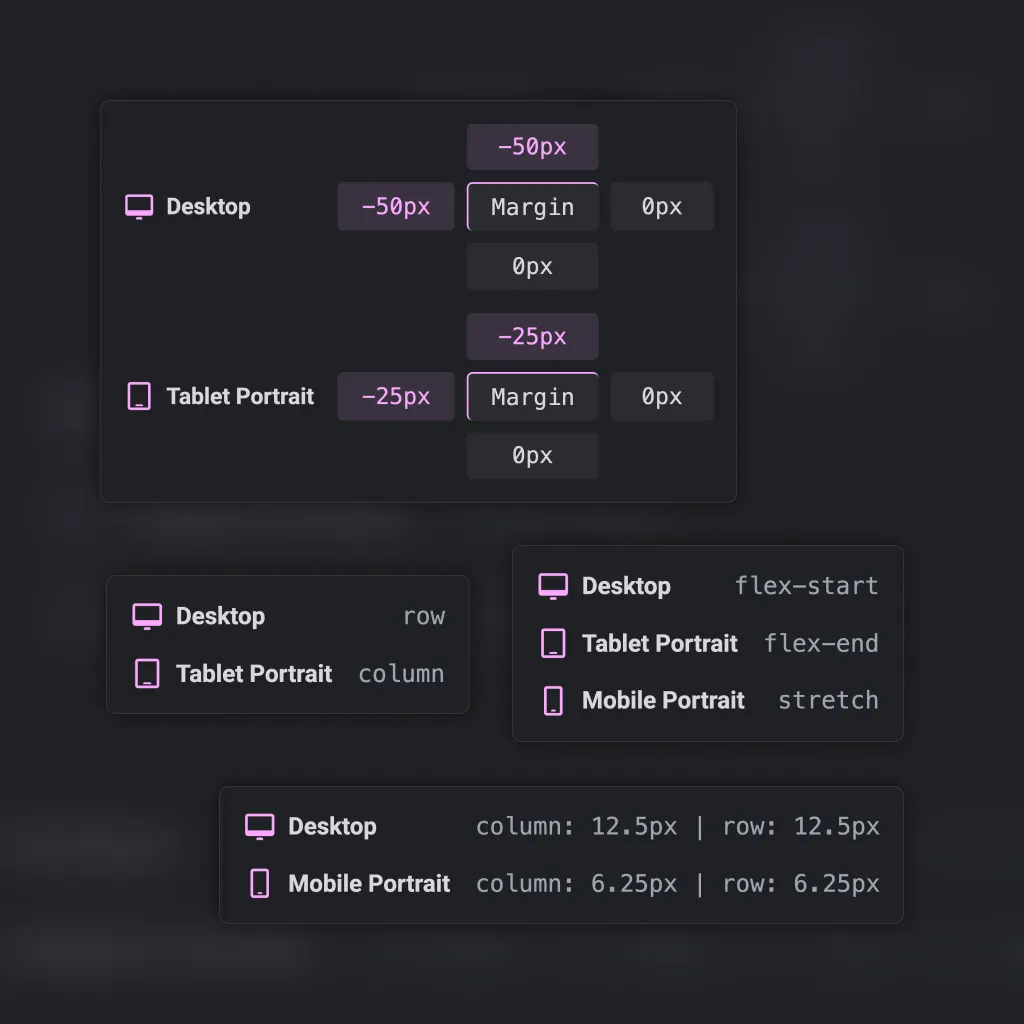
Context-aware tooltips
Hover a control title to see exact values for each breakpoint, including custom breakpoints and media previews.
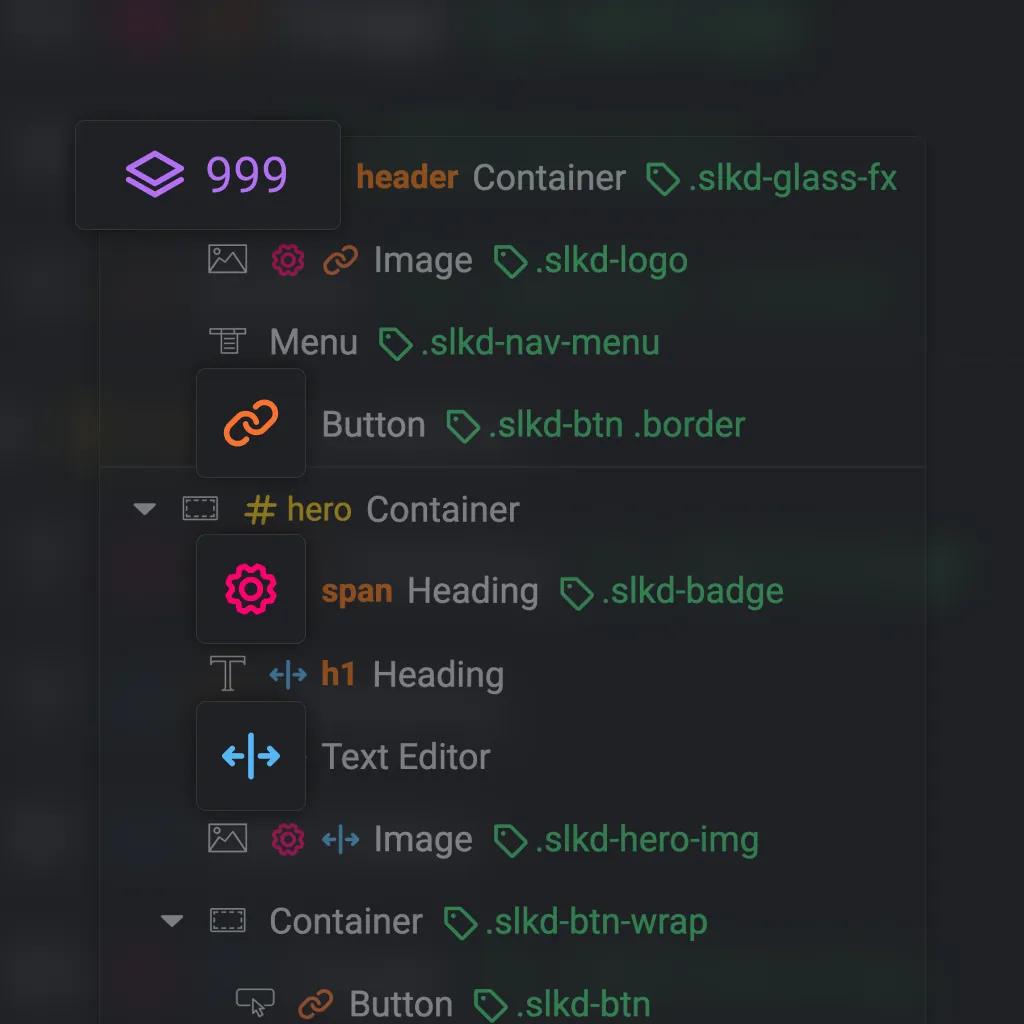
Links, z-index, attributes, width, position, CSS
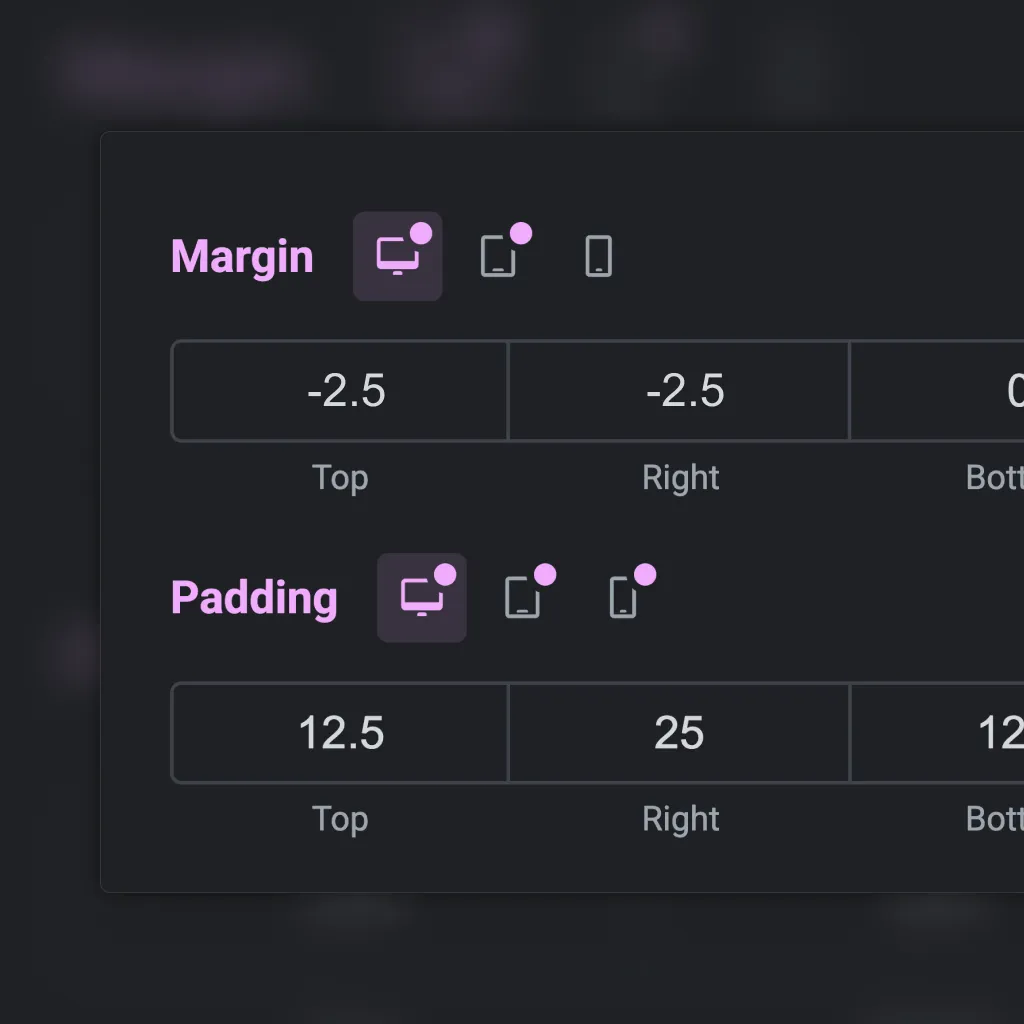
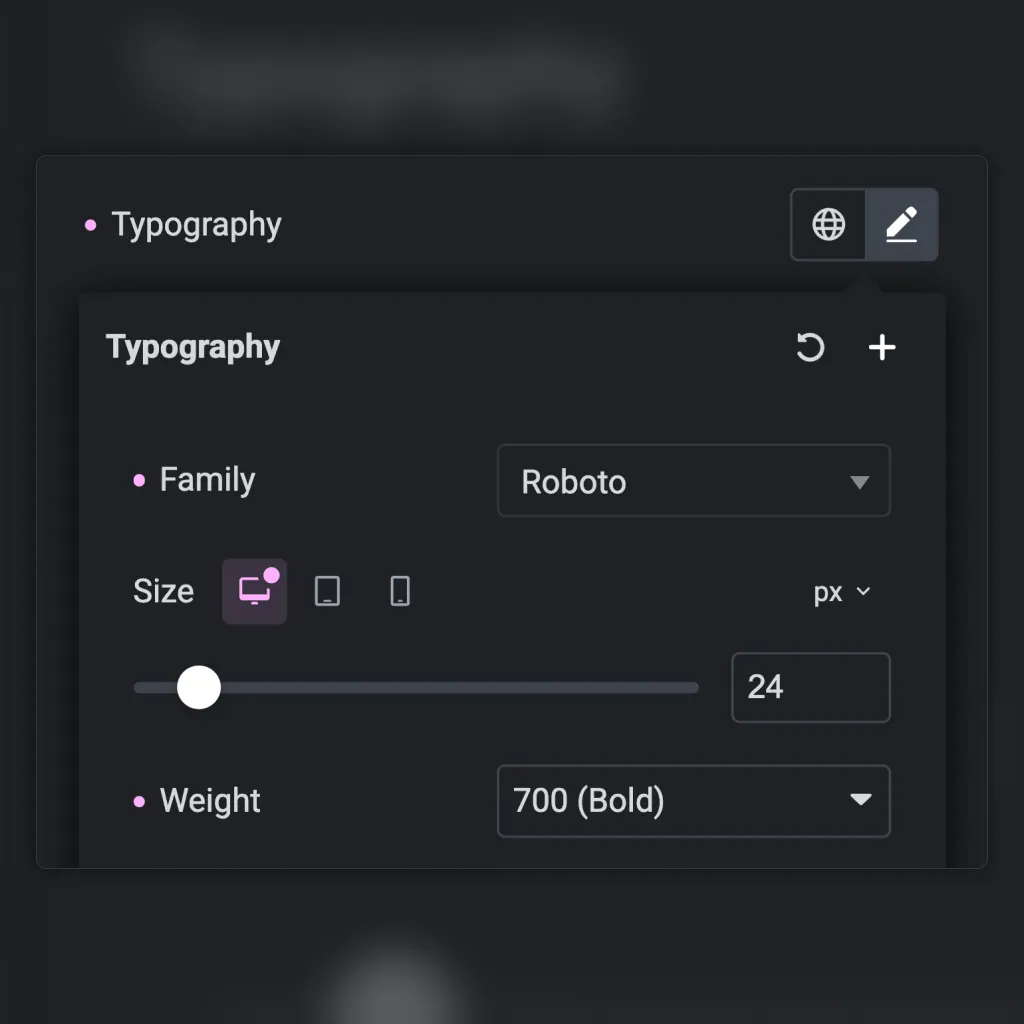
Decimal-friendly inputs
Non-responsive controls highlights
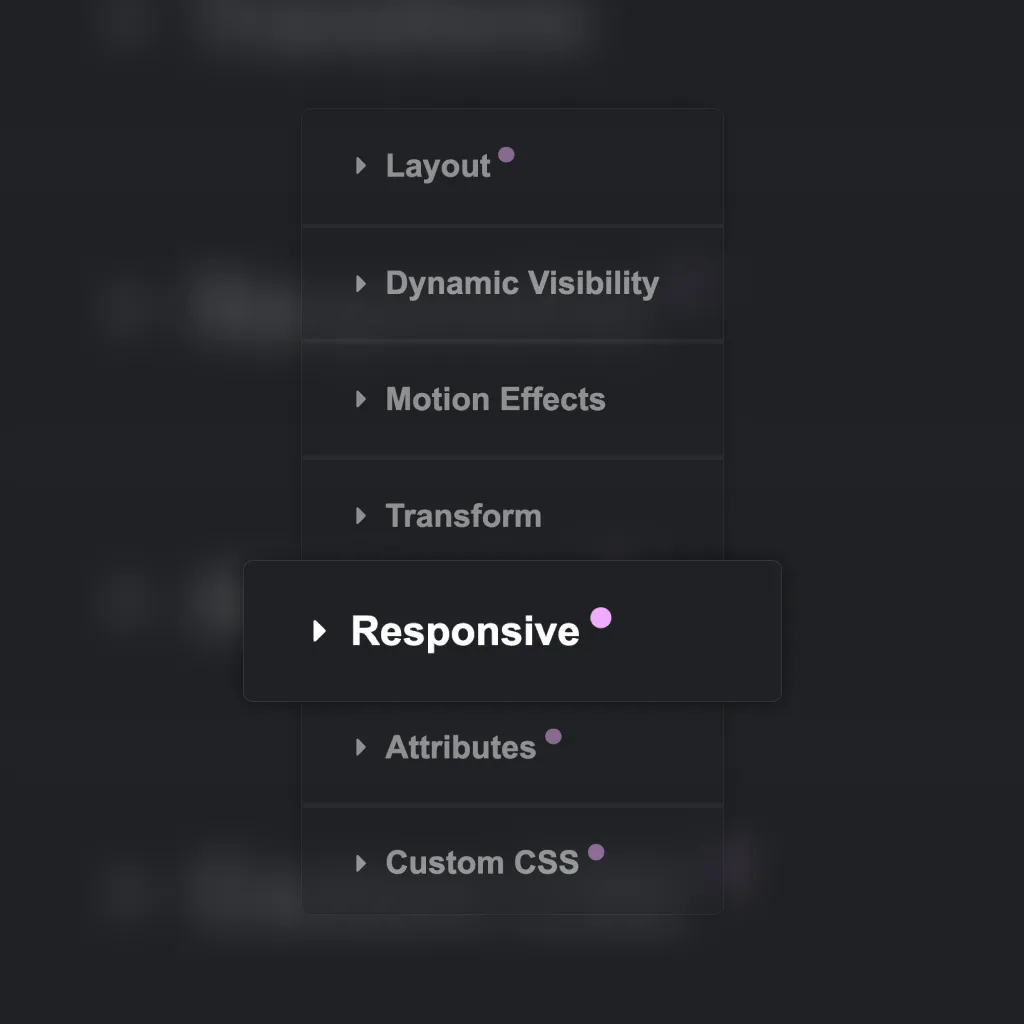
Section highlights
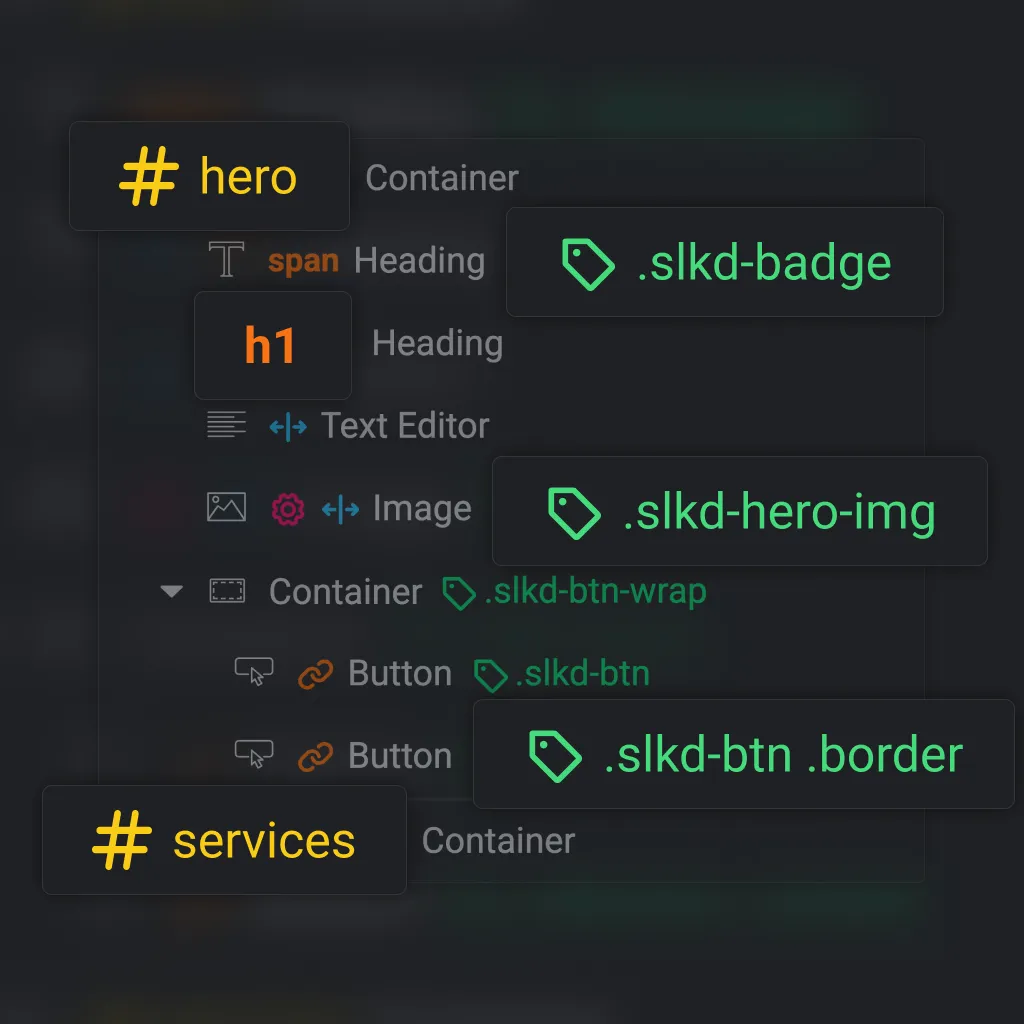
IDs, classes, and tags visibility
See CSS IDs, classes, and actual HTML tags for containers and headings directly in the navigator.
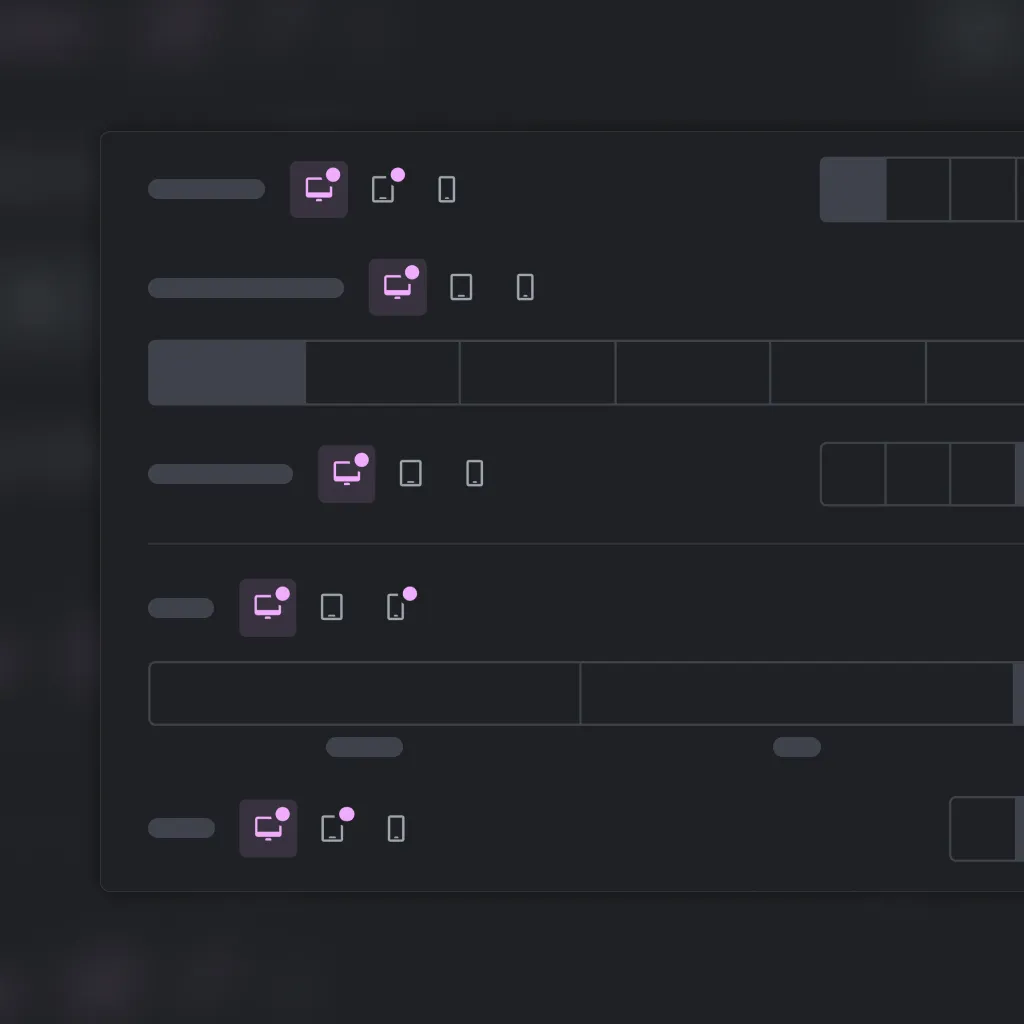
Responsive switches highlights
Inline device switches
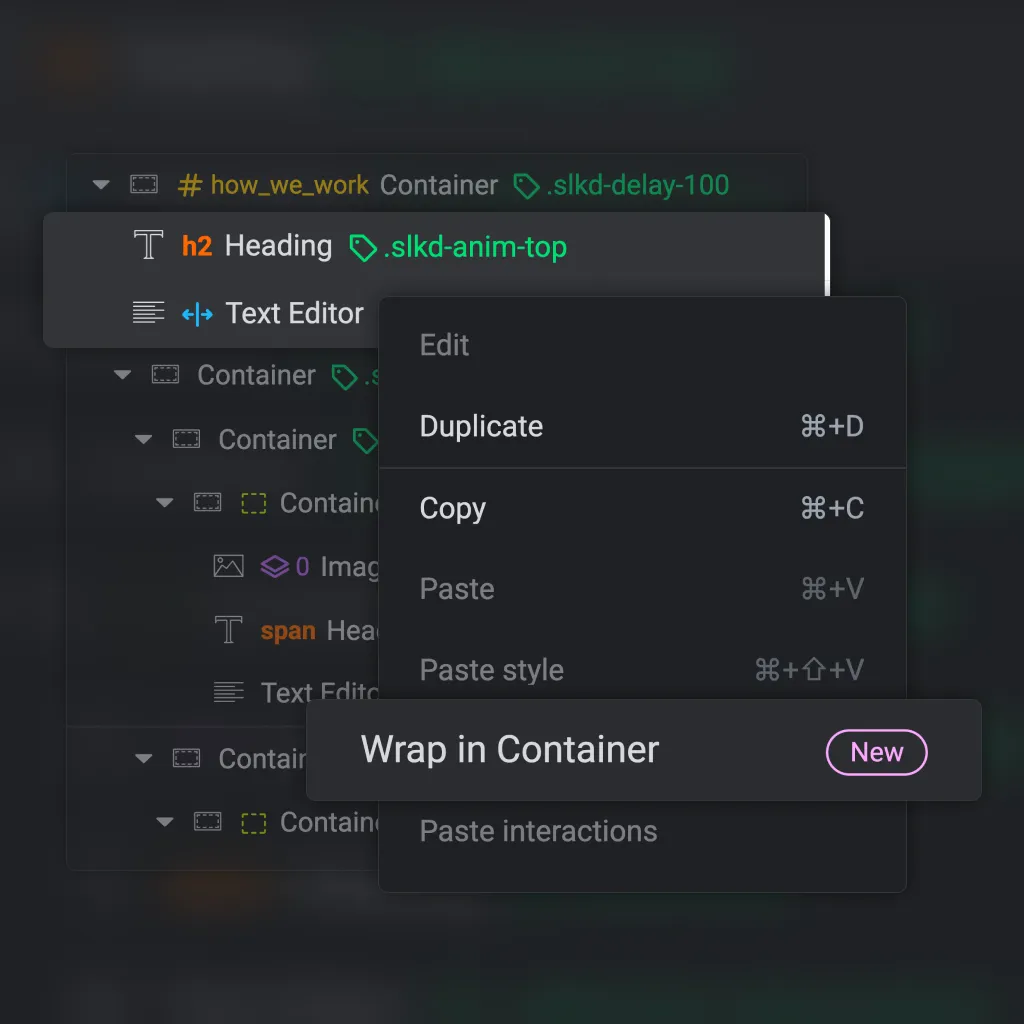
Wrap in Container
New context menu option to wrap a single or multiple selected items in a container.
See what is happening in the editor at a glance
If Elementor is part of your everyday work, Editor Insights pays for itself in saved clicks, better visibility, and fewer avoidable mistakes.
1 License, Unlimited websites
$50
$30
/ year
- Context-aware tooltips to quickly see saved values without switching between device modes
- Live navigator metadata for containers and widgets
- Responsive and non-responsive values visibility at a glance
- Wrap single or multiple selected items in containers
- All core v3 widgets support
- Granular control over each feature
- Lightweight, custom licensing solution
14-day money-back guarantee. If it’s not for you, get a full refund by email, although once you start using it, working without it won’t feel the same.
Frequently asked questions
What does Editor Insights do?
Editor Insights upgrades the Elementor editor with clearer panel feedback, more informative Navigator metadata, responsive-value visibility, smarter tooltips, and small workflow improvements that make editing faster and less frustrating. It’s very useful while working on a website and it can be removed when the work is done. Editor Insights doesn’t alter the data in any way.
Does it affect the frontend of my website?
Will it slow down Elementor?
Does it work on existing projects?
Yes. It is especially useful on older or inherited Elementor builds, where hidden values, responsive overrides, classes, IDs, and other metadata are harder to spot quickly.
Can I customize how it looks and behaves?
Does it support all widgets?
Yes, core v3 widgets are supported.
Does it support Editor v4?
No, not yet, the plugin focuses on v3, however, it works just fine with v4 enabled. Support for v4 is planned.